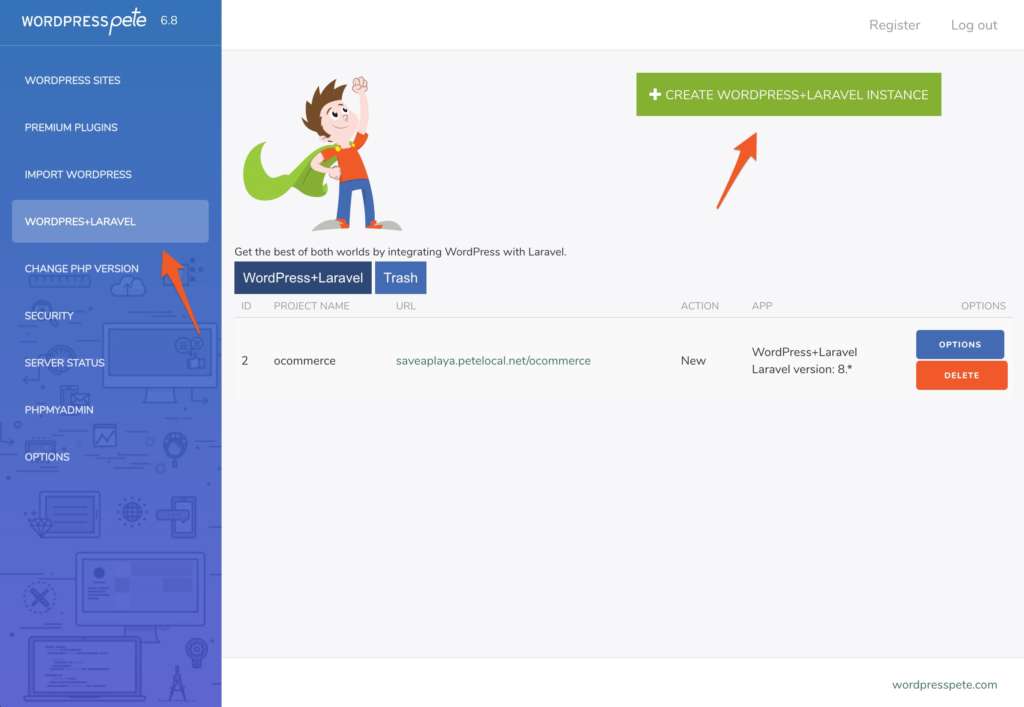
1. Let’s start by creating a new WordPress and Laravel integration from WordPress Pete.
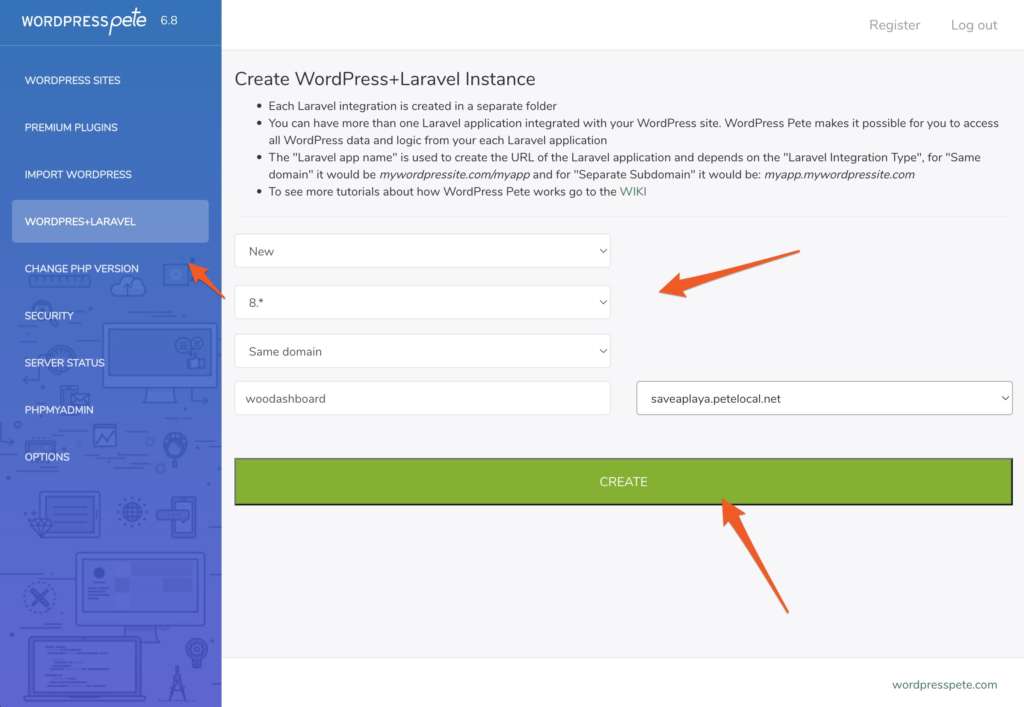
2. For this tutorial, we will use Laravel 8, and the name of our Laravel app will be woodashboard. You must have previously imported a WordPress site.
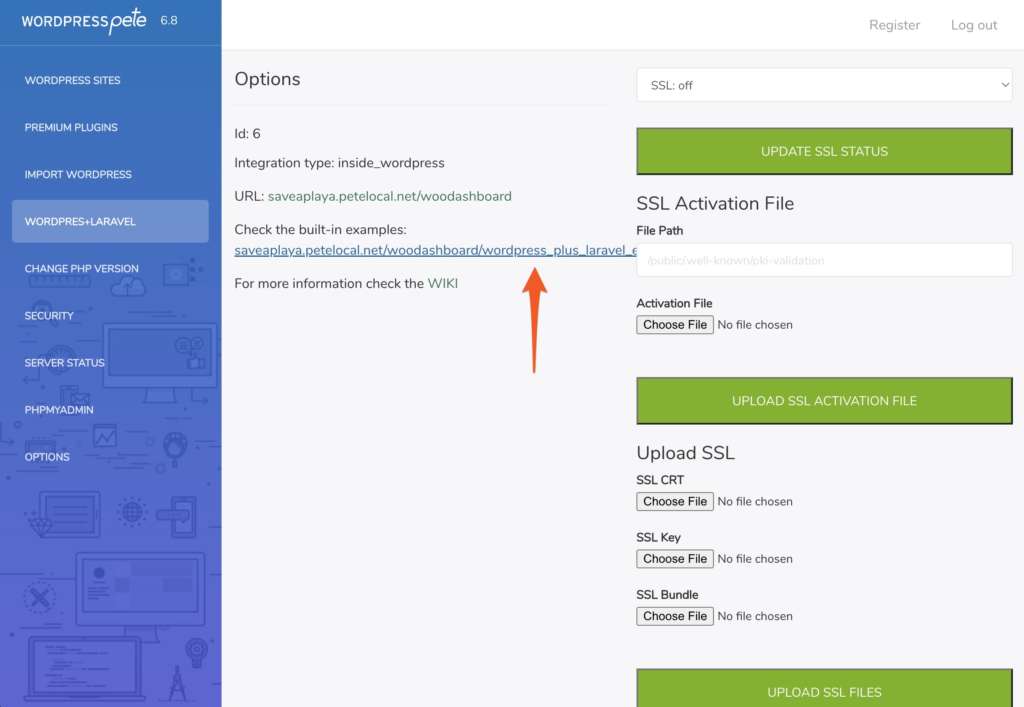
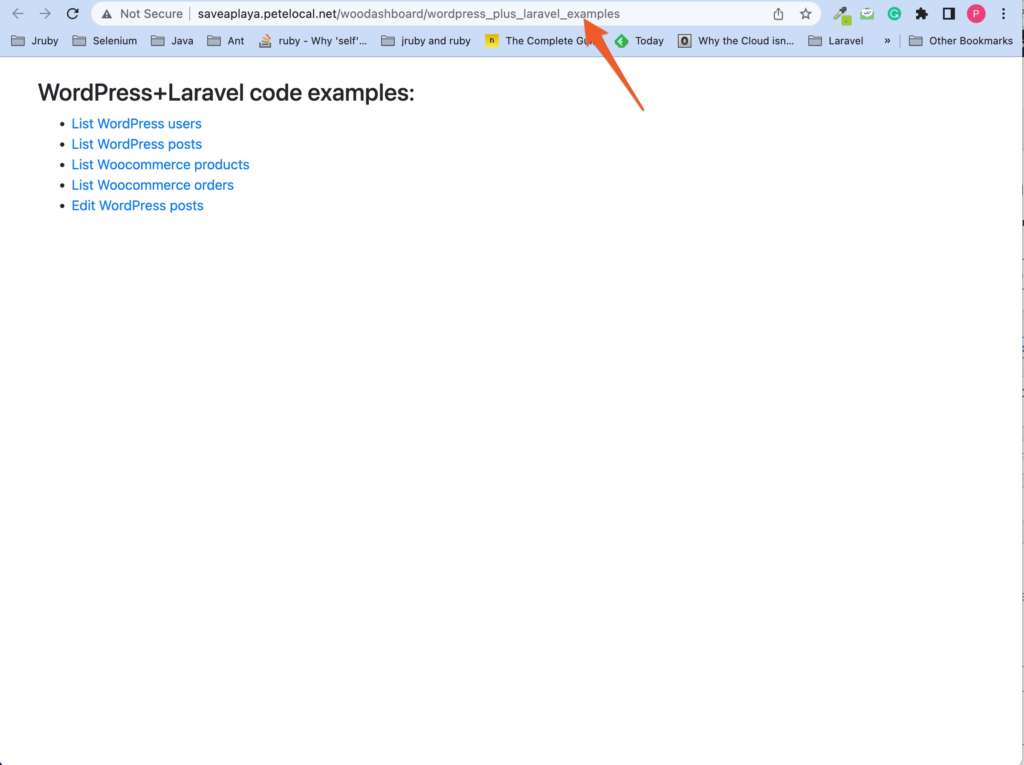
3. We can verify everything is OK by clicking on the link to see the examples.
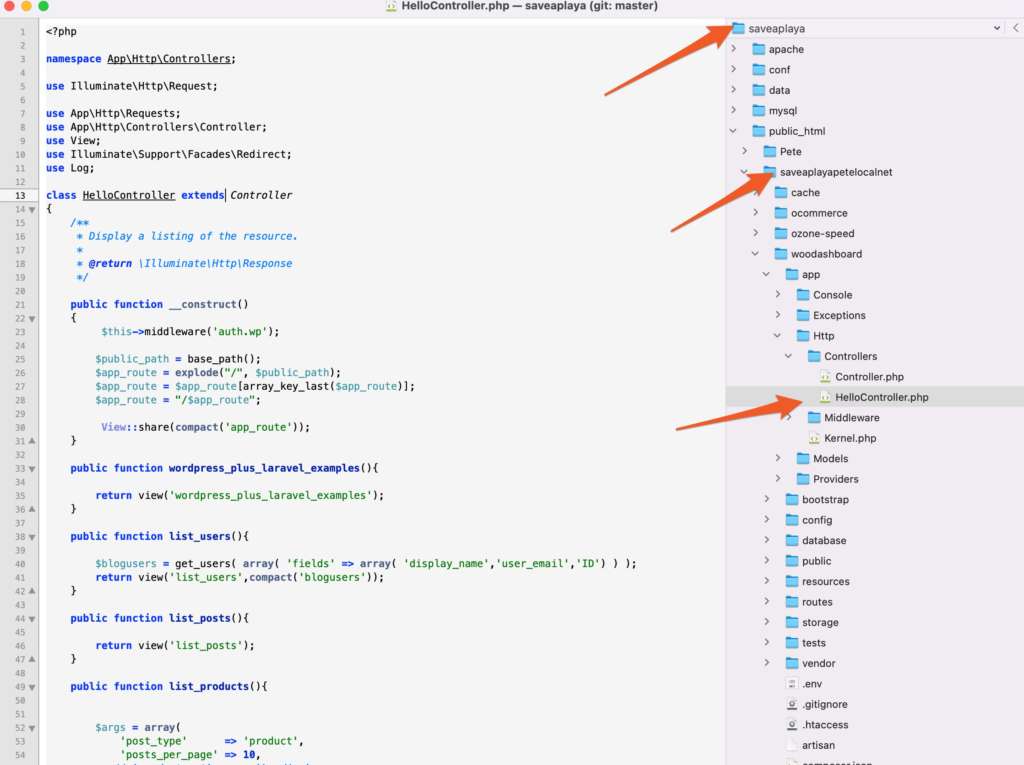
4. After this, it is a good idea to familiarize yourself with the structure of how your files look. Open the WordPress Pete installation folder with your favorite text editor. Since I am old school, I use TextMate.
- The WordPress Pete installation folder name is saveaplaya
- The name of the WordPress site folder is saveaplayapetelocalnet
- The name of the Laravel app integrated into WordPress is woodashboard
- Inside woodasboard you can find all the files of the Laravel app.
The integration Pete does of WordPress and Laravel is clean. That means all WordPress and Laravel files are complete, and you can update each app to its latest versions without breaking the integration. Cool right?
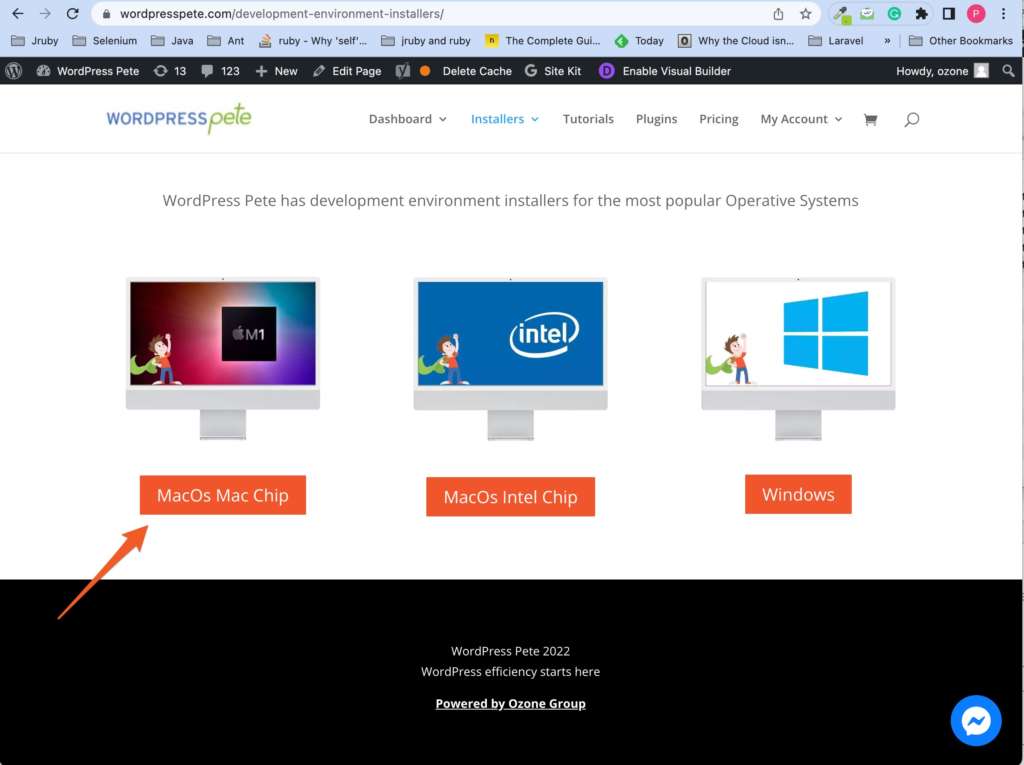
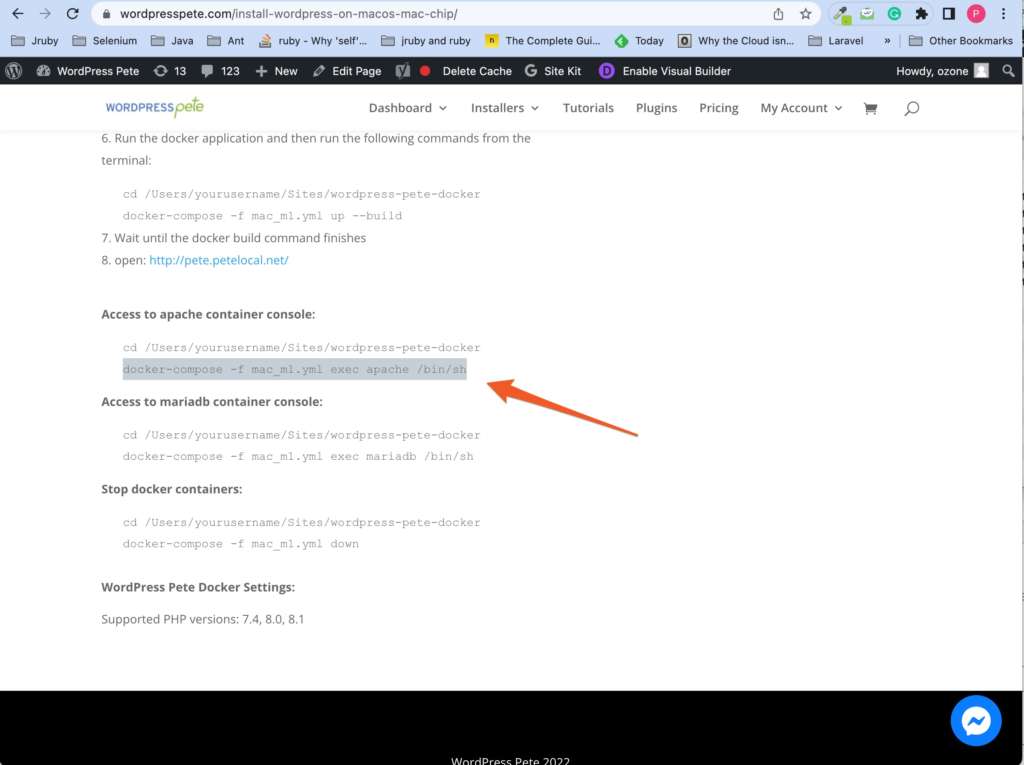
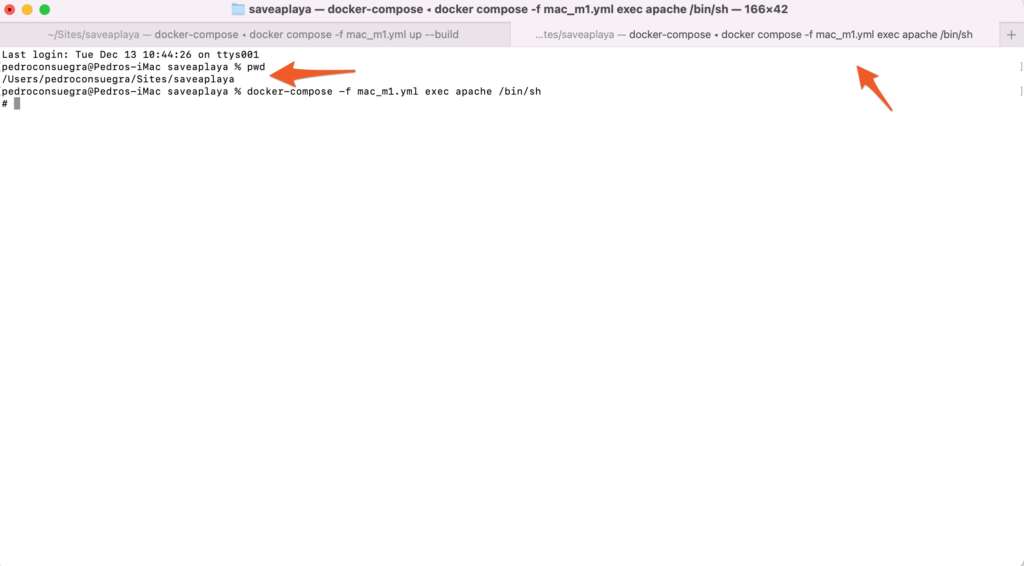
5. To create a controller in Laravel from the terminal, you must enter the apache container in docker. For this, go to the installation guide of your operating system and copy the command to enter the apache container in docker.
6. Now, browse the Laravel app folder and run the command to create a controller.
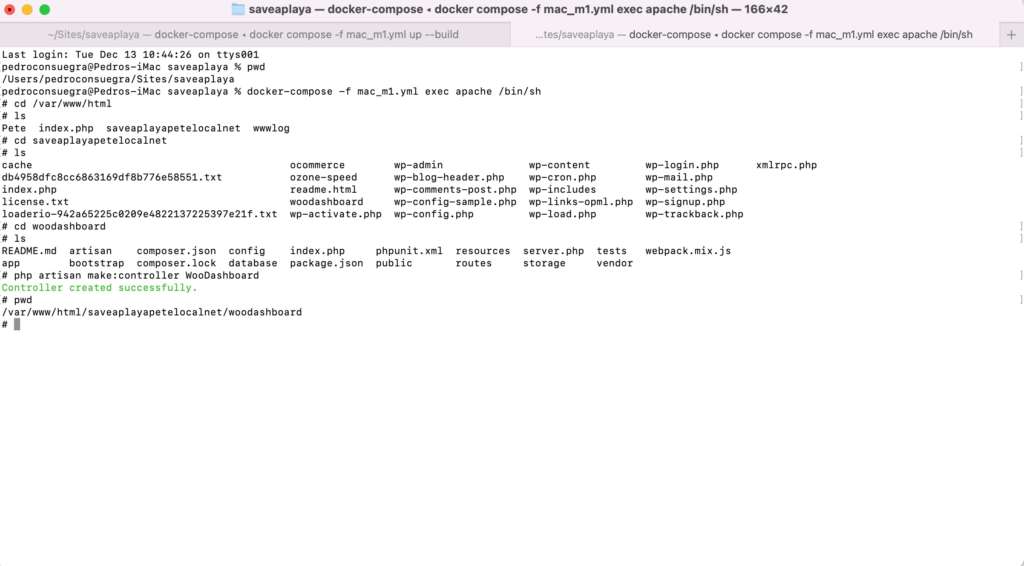
After this, we copy and paste this code into our WooDashboard controller.
7. Now we create the Laravel view
8. Now we declare the route for this action
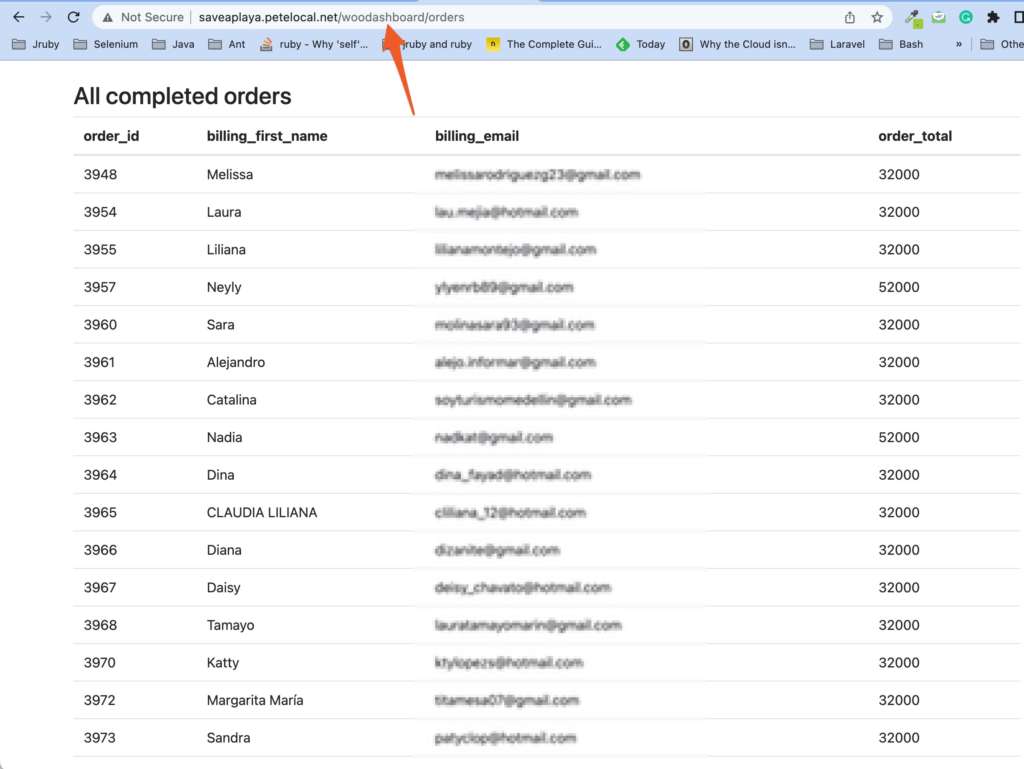
9. Now we can see the list of woocommerce orders from Laravel